English Speaking Test
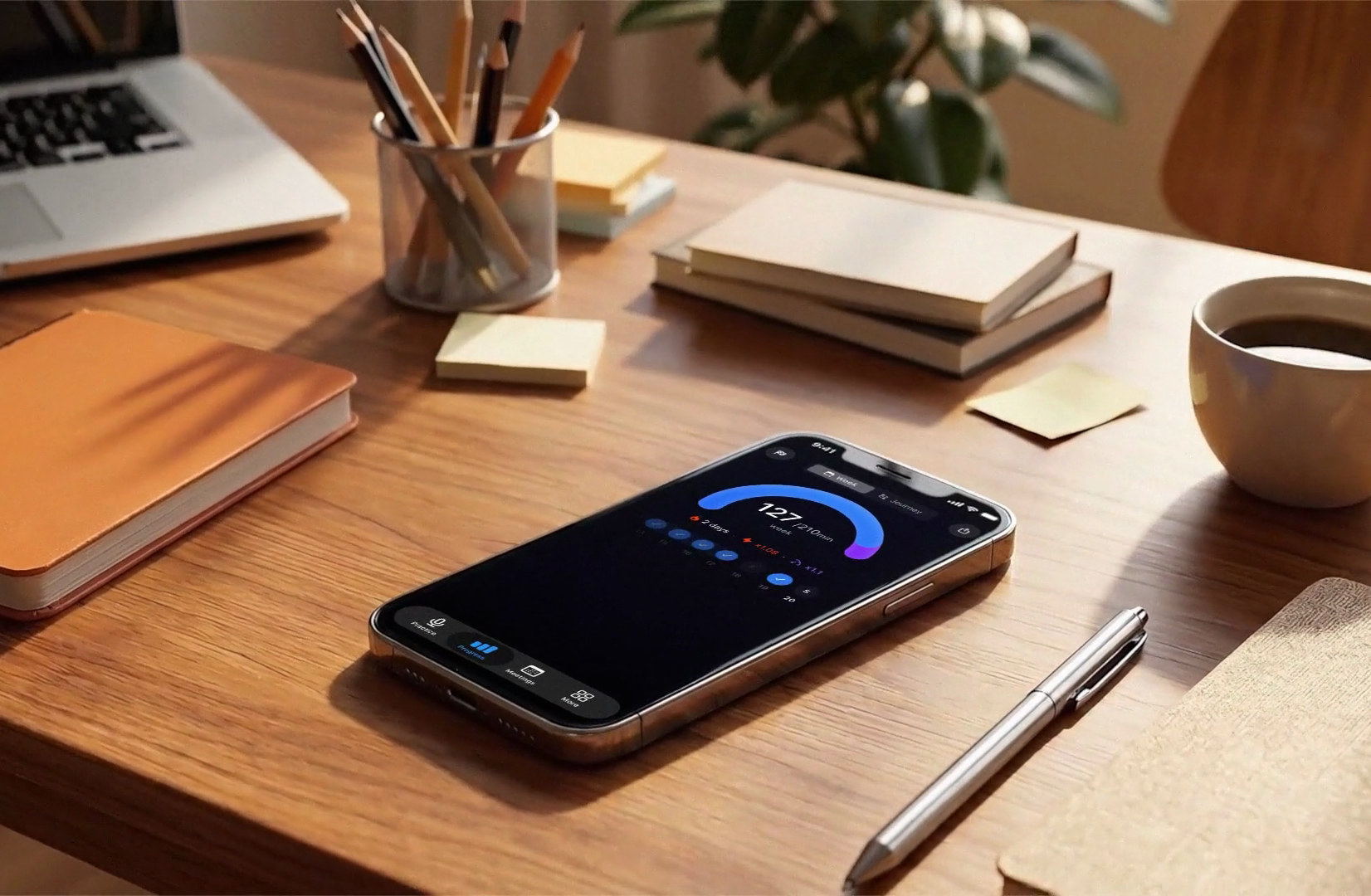
Fluently’s English speaking test is a spoken assessment inside the Fluently app for iOS and Android. You answer the AI tutor’s questions out loud through your phone’s microphone for about four minutes, and the app returns feedback on four areas of your spoken English: pronunciation, fluency, vocabulary and grammar. The assessment is free with the app download; the daily practice that follows runs on a subscription with a trial. There is no browser version of the test. See what the result shows.
| Fact | Detail |
|---|---|
| Where it runs | Fluently app on iOS and Android. No web version. |
| Time | About four minutes of speaking. |
| Format | Spoken answers to the AI tutor’s questions. No multiple choice, nothing to write. |
| You need | A phone with a working microphone and a quiet place. |
| Result | Feedback on pronunciation, fluency, vocabulary and grammar, based on what you said. |
| Cost | The assessment is free with the app download. Regular practice afterwards is on a subscription with a trial. |
Open the test in Fluently
The speaking test runs inside the Fluently app. Install it on your iPhone or Android phone, open the app and start the speaking assessment: about four minutes of spoken answers, then your feedback on the four areas. The assessment is free with the download; regular practice afterwards is on a subscription with a trial.


How the English speaking test works
- Install Fluently and open the speaking assessment. The test runs in the app on iOS or Android because it needs a live voice exchange through your phone’s microphone. Nothing on this page records audio.
- Allow microphone access when the app asks. The permission request comes from the app the first time it needs to record, after you have chosen to start.
- Answer the AI tutor’s questions out loud. The tutor asks, you reply in your own words, for about four minutes. Full sentences give the app more to work with than one-word replies.
- Read your result. The app analyzes the speech you produced and shows feedback on pronunciation, fluency, vocabulary and grammar.
- Continue into practice. The same four-area feedback follows every answer in Fluently’s conversations, role-plays, meeting and interview scenarios, so the weakest area from the test is the one to drill first.
See the speaking tasks before you start
Every task in the assessment is spoken: the AI tutor asks a question and you answer out loud in your own words, as you would in a short conversation. There are no multiple-choice items and no written answers. The scores are based only on the speech you produce, so the way you answer changes what the app can measure.
- Answer in full sentences, two or three per question. Vocabulary and grammar are scored on the sentences you build; one-word answers give the app almost no evidence for either.
- Keep going when you make a mistake. Fluency is about how your speech runs, and a natural restart costs less than a long silence.
- Speak at your normal pace in a quiet room. Pronunciation is scored on the words you actually said, and background noise reduces what the microphone picks up.
What the speaking test measures
The result covers four areas of spoken English. Each one is scored on your own spoken answers, not on a reading or grammar quiz.
| Area | What it means | What it is based on |
|---|---|---|
| Pronunciation | How clearly a listener can recognize the sounds and words you say. | The words you actually said in your answers; a read-aloud passage is not part of the test. |
| Fluency | How smoothly your speech runs: pace, pauses, hesitations and restarts. | Your spontaneous answers across the whole assessment. |
| Vocabulary | The range and precision of the words you chose, including whether they sound natural for the situation. | Enough spontaneous speech to judge word choice; short answers weaken this score. |
| Grammar | The accuracy of the sentences you produced out loud, including mistakes that survive in speech even when you know the rule on paper. | The sentences you built in your answers. |
A speaking test isolates the skill that text-based tests miss. Many learners read and write English comfortably and still lose words in meetings; the four areas above show where that gap sits. For a broad level estimate across grammar, vocabulary and usage, use the English level test instead.
What the speaking test result shows
At the end of the assessment the app shows your result for pronunciation, fluency, vocabulary and grammar, each based on the answers you just gave. Read it as a diagnosis rather than a grade: the lowest area is the first thing to practice, and the other three tell you what is already working.
The result is an estimate from one short speech sample, on one day, through one phone microphone. It is not a certificate and it does not replace IELTS, TOEFL or a Cambridge exam; if you need a score for a visa, a university or an employer, book the official exam.
How Fluently calculates your speaking result
- The analysis is automated. Fluently’s speech-recognition and pronunciation models process your spoken answers and score each of the four areas on that speech. No human examiner listens to your recording.
- Every score comes from the same conversation. All four areas are assessed on the answers you gave during the four minutes, so the amount and quality of speech you produce shapes the result.
- More speech, better evidence. Full-sentence answers give the models enough material for vocabulary and grammar; a series of one-word replies does not, and the result will reflect that.
- Intended use. Choose what to practice, then check the same four areas again after a few weeks of practice. Treat the result as a working estimate, not as a formal placement.
Before you start
- Device. An iPhone or Android phone with the Fluently app installed. The test does not run in a desktop browser.
- Microphone. Use the phone’s microphone in a quiet room. Allow microphone access when the app asks; the request comes only after you start.
- Time. About four minutes of speaking, best done in one sitting.
- Cost. The assessment is free with the app download, and you see your result before paying anything. Ongoing practice, courses and work scenarios are on a subscription with a trial.
- Speaking level. The test is a free-form conversation, so it works best if you can already answer simple questions in English out loud. If that is not yet the case, start with the English level test and the guide to improving English speaking.
Voice and transcript privacy
Your spoken answers are recorded and processed to produce the feedback. Under Fluently’s privacy policy, voice recordings and transcripts may be retained and may be used to improve Fluently’s speech-recognition and pronunciation models, including models provided by third-party AI services; you can switch that use off in the app settings, and you can ask Fluently to delete your personal data at any time. Nothing on this page records audio, and the app asks for microphone access before it records. Full terms: Fluently privacy policy.
Speaking test or English level test?
| English speaking test (this page) | English level test |
|---|---|
| Spoken answers through the phone microphone, in the Fluently app | 18 multiple-choice questions in the browser, no sign-up |
| Feedback on pronunciation, fluency, vocabulary and grammar | A CEFR level estimate from A1 to C2 |
| About four minutes of speaking | About five minutes of reading and clicking |
| Best for finding out how your spoken English performs | Best for a broad level estimate across grammar, vocabulary and usage |
Check your overall English level with the browser test, then take the speaking test; the gap between the two results shows where your practice time should go.
What to do after your result
- Low fluency, vocabulary or grammar: practice English speaking daily with the AI tutor. Every answer gets the same four-area feedback as the test, so the scores move for a reason you can see.
- Low pronunciation: work through the English pronunciation exercises, which target individual sounds, word stress and rhythm.
- All four areas close together: follow the guide to improve your English speaking and build a routine that covers all of them.
- An interview coming up: rehearse out loud with AI mock interview practice, which starts in the browser and continues in the app.
- Unsure of your overall level: check your overall English level with the five-minute browser test.
Open the test in Fluently
Install Fluently on iOS or Android, start the speaking assessment and get your feedback on pronunciation, fluency, vocabulary and grammar in about four minutes. The assessment is free with the download; regular practice is on a subscription with a trial. The app overall is rated 4.8 on the App Store from 5.5K ratings (August 2026). If you would rather begin with practice, the English speaking practice hub lists every option, free and paid.
Frequently asked questions
Where does the English speaking test run, and what do I need?
In the Fluently app on iOS and Android; there is no browser version. You need the app installed, a phone with a working microphone and about four minutes in a quiet place. The checks on this site that do run in the browser are the English level test and the mock interview tool.
Is the English speaking test free?
The speaking assessment is free with the app download: you take it and see your feedback on pronunciation, fluency, vocabulary and grammar before paying anything. Regular practice afterwards, meaning daily conversations, role-plays, meeting and interview scenarios and courses, is on a subscription with a trial.
How long does it take, and what kind of speaking is involved?
About four minutes. You answer the AI tutor’s questions out loud in your own words; there are no multiple-choice questions and nothing to write. Full-sentence answers give the app more to score than one-word replies, so answer as you would in a real conversation.
What does the result measure, and is it a certificate?
Four areas of your spoken English: pronunciation, fluency, vocabulary and grammar, each scored on what you said during the assessment. It is an automated estimate meant for choosing what to practice, not a certificate: it is not accepted in place of IELTS, TOEFL or a Cambridge exam. What it adds over official exams is speed and repetition, so you can check the same four areas again as you improve.
What happens to my recording and transcript?
Your answers are recorded and processed to produce the feedback. Fluently’s privacy policy says voice recordings and transcripts may be retained and may be used to improve its speech models, including models from third-party AI services; you can turn that use off in the app settings and request deletion of your data. Details are in the privacy policy.